


Game Dev
Game Development
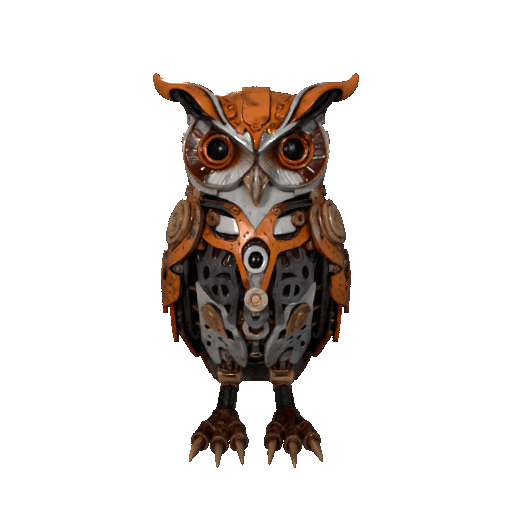
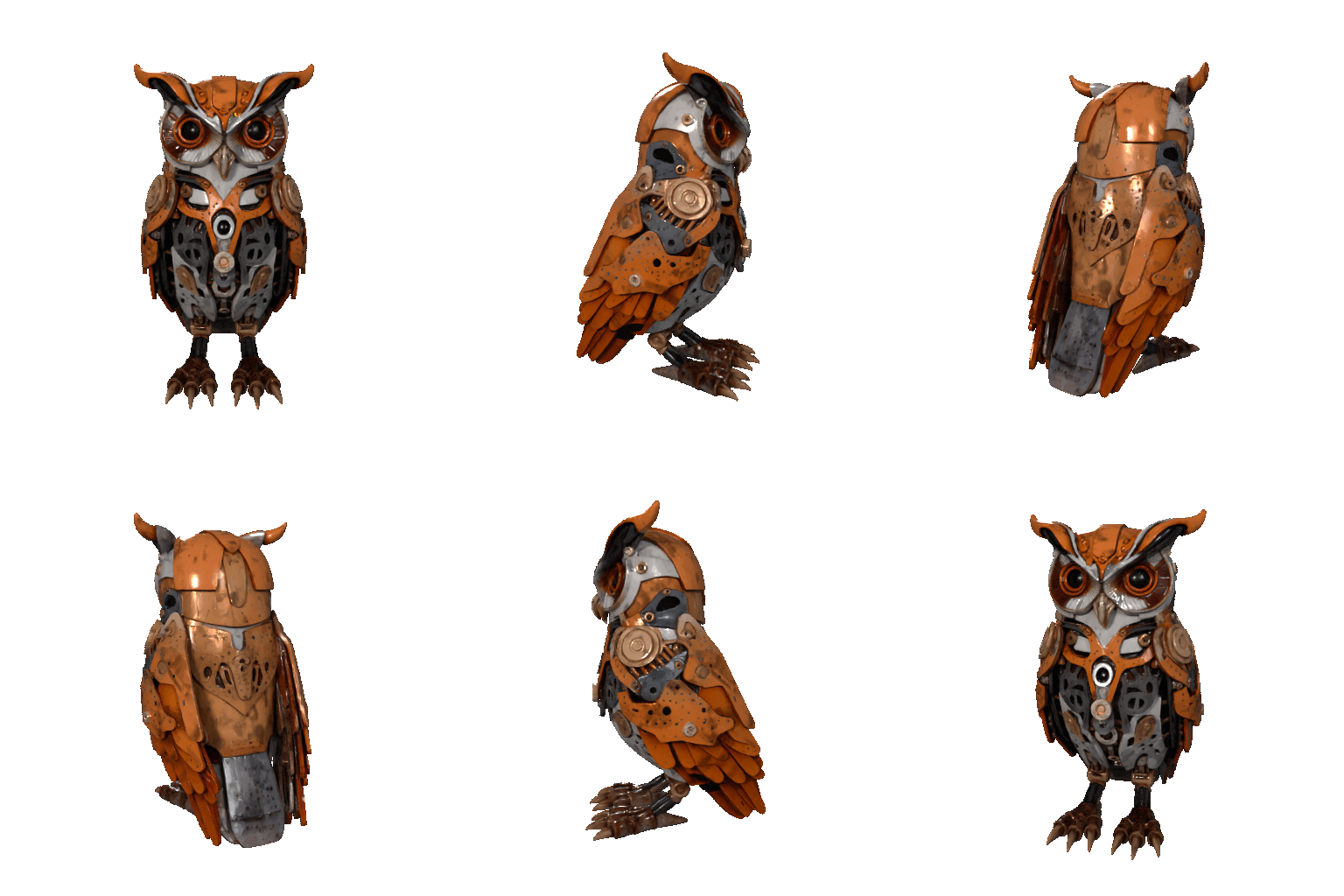
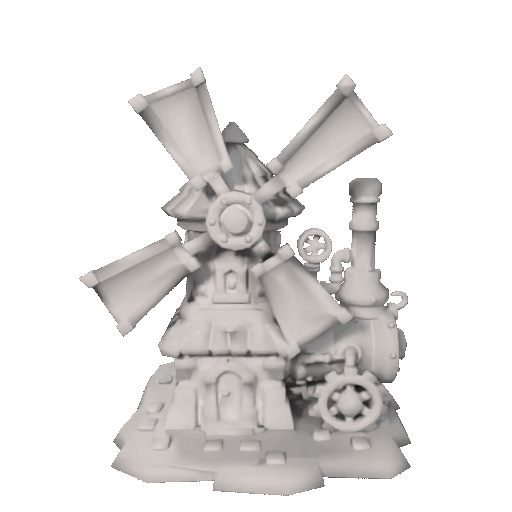
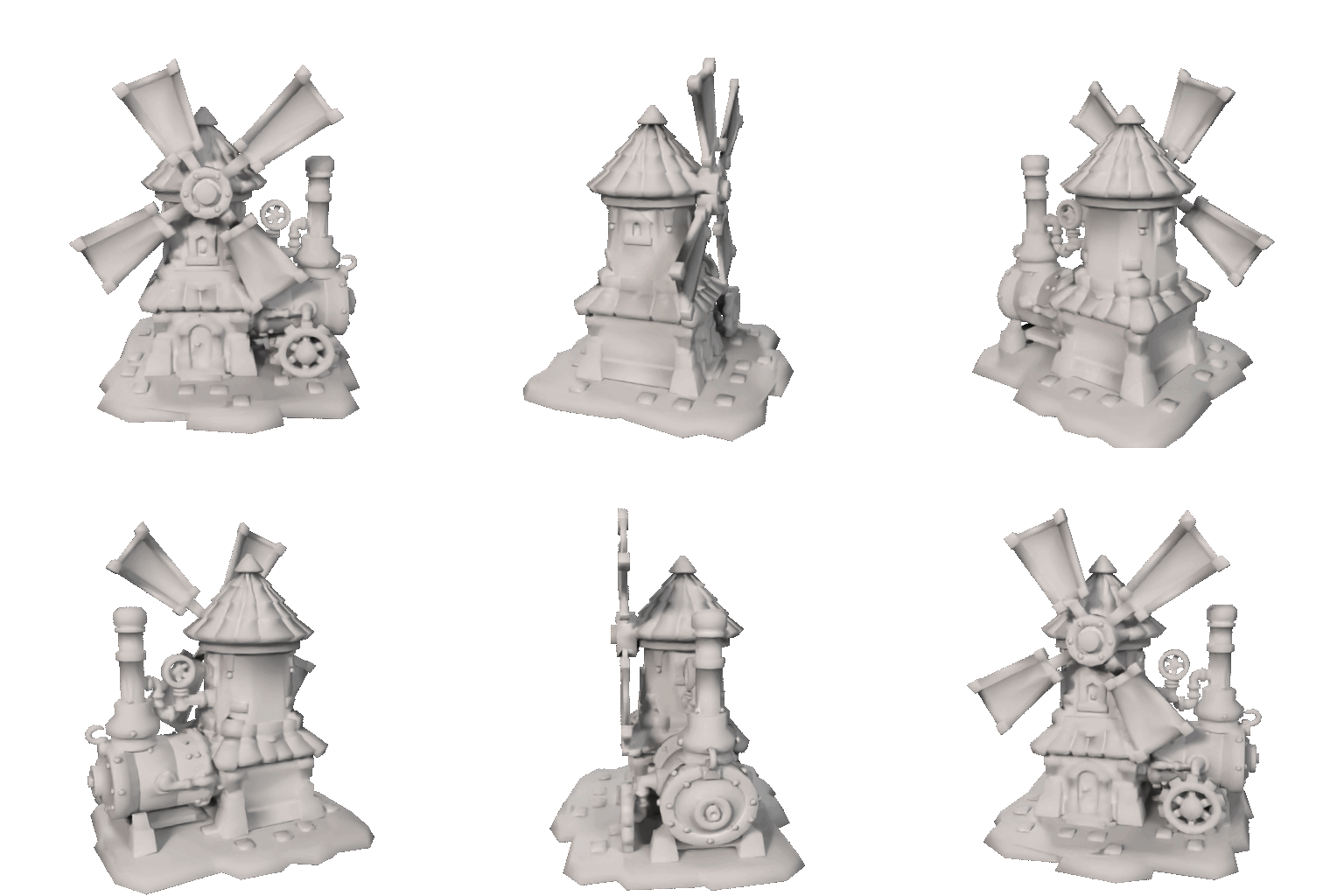
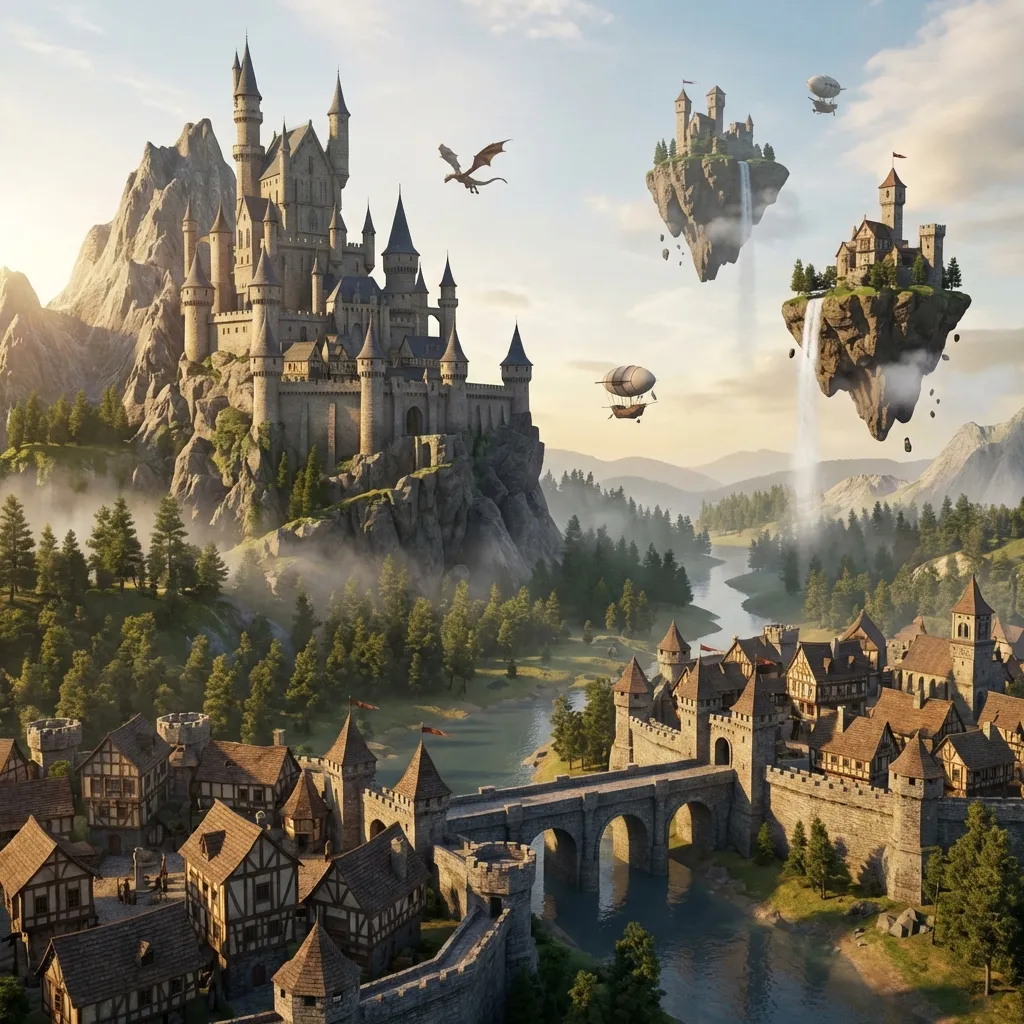
Use Trellis 2 to explore props, characters, and environment directions earlier, so game teams can review more ideas before manual production begins.
- ✓Asset Mass Production
- ✓Style Consistency
- ✓Game-Ready Topology
Turn an image or prompt into a detailed Trellis 3D asset with Trellis 2. Fast 2D to 3D, Picture to 3D, Photo to 3D, and Prompt to 3D workflows powered by Trellis AI for creators, studios, and product teams.




Trellis 2 is an AI-first 3D creation platform inspired by the TRELLIS.2 research direction, giving teams a faster path from idea to textured Trellis 3D content through practical 2D to 3D, Picture to 3D, Photo to 3D, and Prompt to 3D workflows. For teams comparing tools, the core value of Trellis AI is simple: move from flat input to stronger 3D decisions faster with Trellis 2.

Trellis 2 helps creators turn short prompts into dimensional concepts without opening a traditional modeling package first. This Trellis AI workflow is built for fast exploration, helping teams compare shape, mood, and material direction earlier in the design process. For users looking for a capable 3d model generator, Trellis 2 turns Prompt to 3D ideation into a practical everyday step instead of a slow specialist task. In real teams, Trellis AI shortens the distance between written intent and a reviewable Trellis 3D draft.
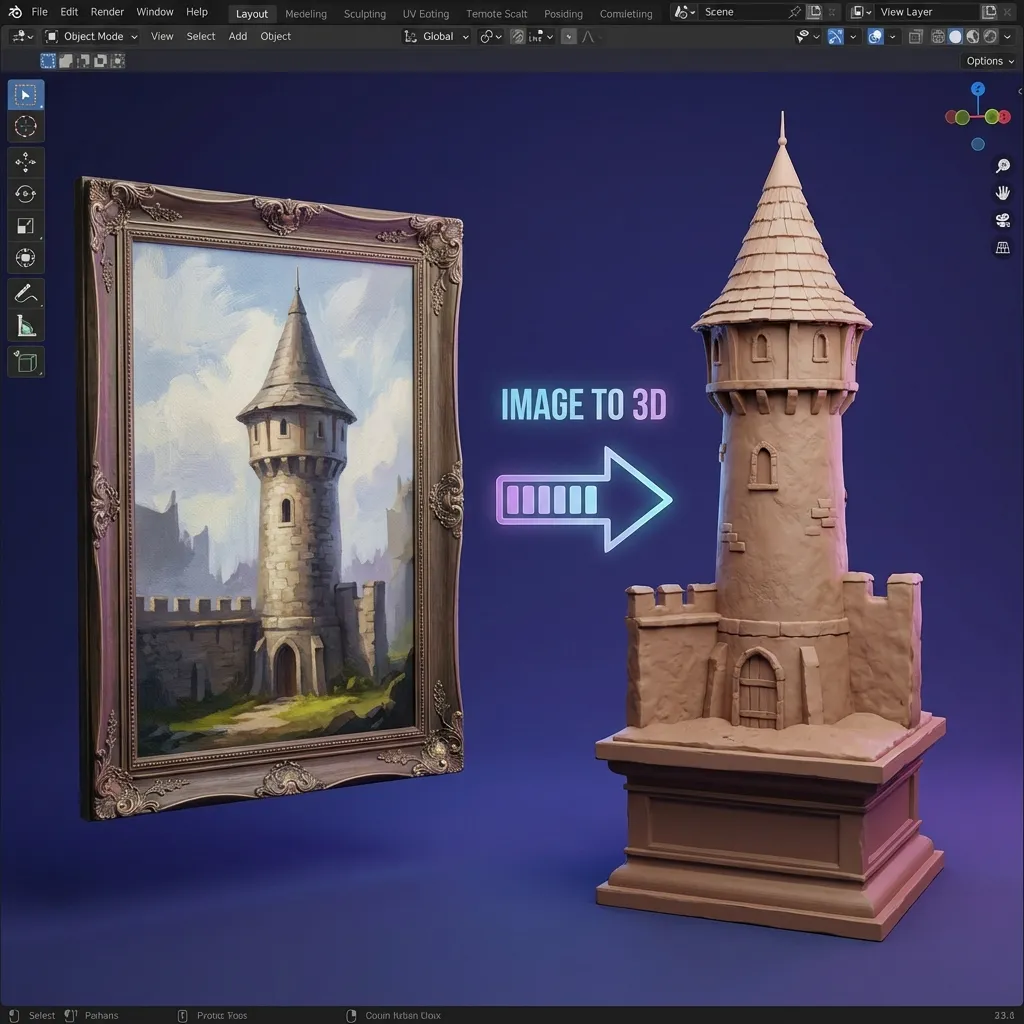
When you already have a sketch, concept frame, product photo, or reference board, Trellis 2 gives you a faster Picture to 3D and Photo to 3D workflow. The system reads visual cues, reconstructs form, and helps teams build a 3d model from image input with stronger structure and clearer presentation value. It is a more direct way to move from 2D to 3D when visual guidance matters more than text alone, especially when a Trellis 3D preview from Trellis 2 needs to be reviewed quickly.
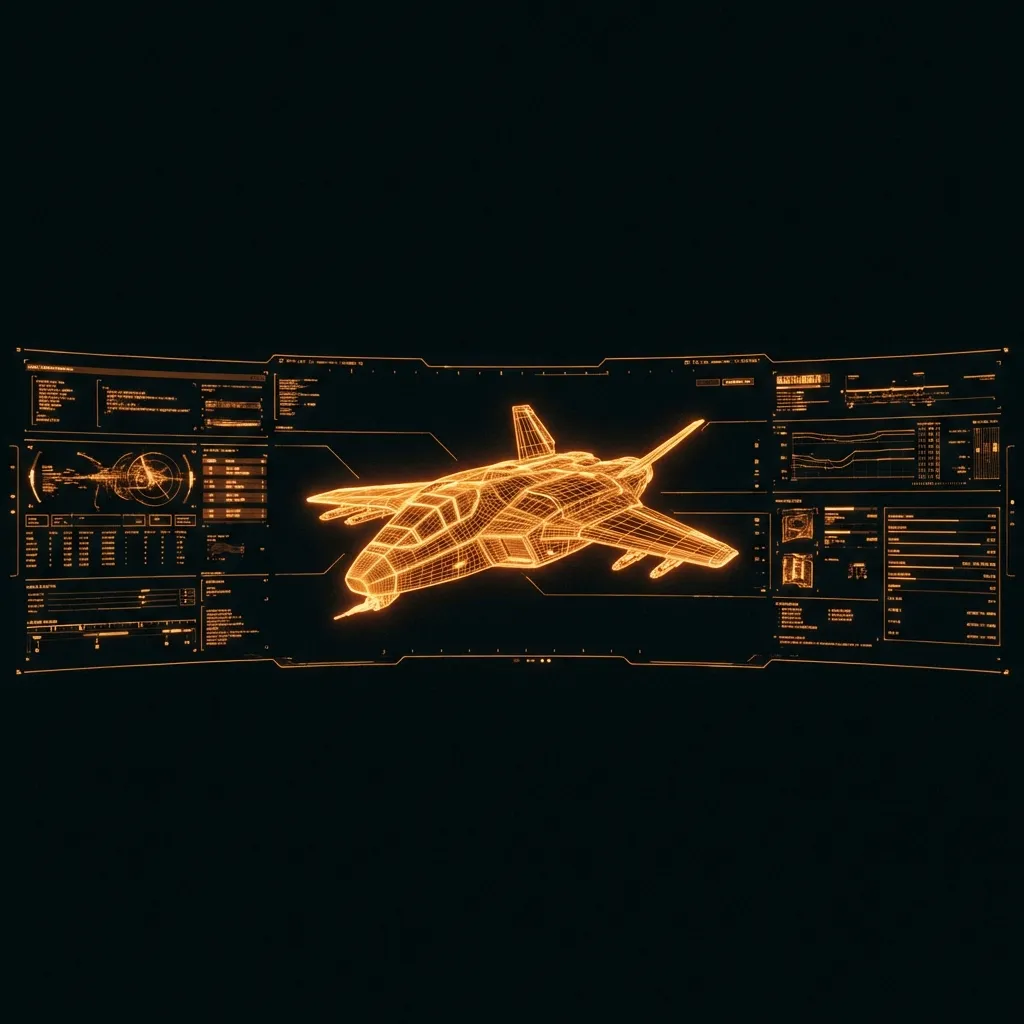
Many tools stop at novelty previews, but Trellis 2 is positioned for richer geometry, clearer silhouettes, and more convincing textured assets. By translating cutting-edge Trellis AI progress into a creator-friendly experience, the platform supports teams that need presentable Trellis 3D models for reviews, planning, and downstream refinement rather than one-off experiments. That is the difference between generic output and a Trellis 3D workflow with real planning value inside Trellis 2.

Traditional pipelines usually require manual blocking, topology work, and multiple review rounds before a concept feels tangible. Trellis 2 compresses that path. Teams can move from 2D to 3D faster, reject weak directions earlier, and focus manual production time on the ideas that already proved useful in review. That is where a modern 3d model generator delivers real value, and where 2D to 3D speed becomes a competitive advantage.

Trellis 2 sits between research momentum and product usability. It brings the appeal of TRELLIS.2 style capability into a workflow that founders, designers, studios, and technical artists can actually use. Whether you search for Trellis 3D tools, trellis2 workflows, or a reliable Trellis AI generator, the value is the same: faster decisions with clearer 3D output. In practice, Trellis AI makes 2D to 3D exploration feel much less expensive in time and effort.
Trellis 2 keeps the workflow simple: start from a photo or prompt, generate a 3D result, then move the strongest Trellis 3D concept into your production pipeline. For most teams, the value comes from repeating this 2D to 3D loop in Trellis 2 until the direction is strong enough to produce.
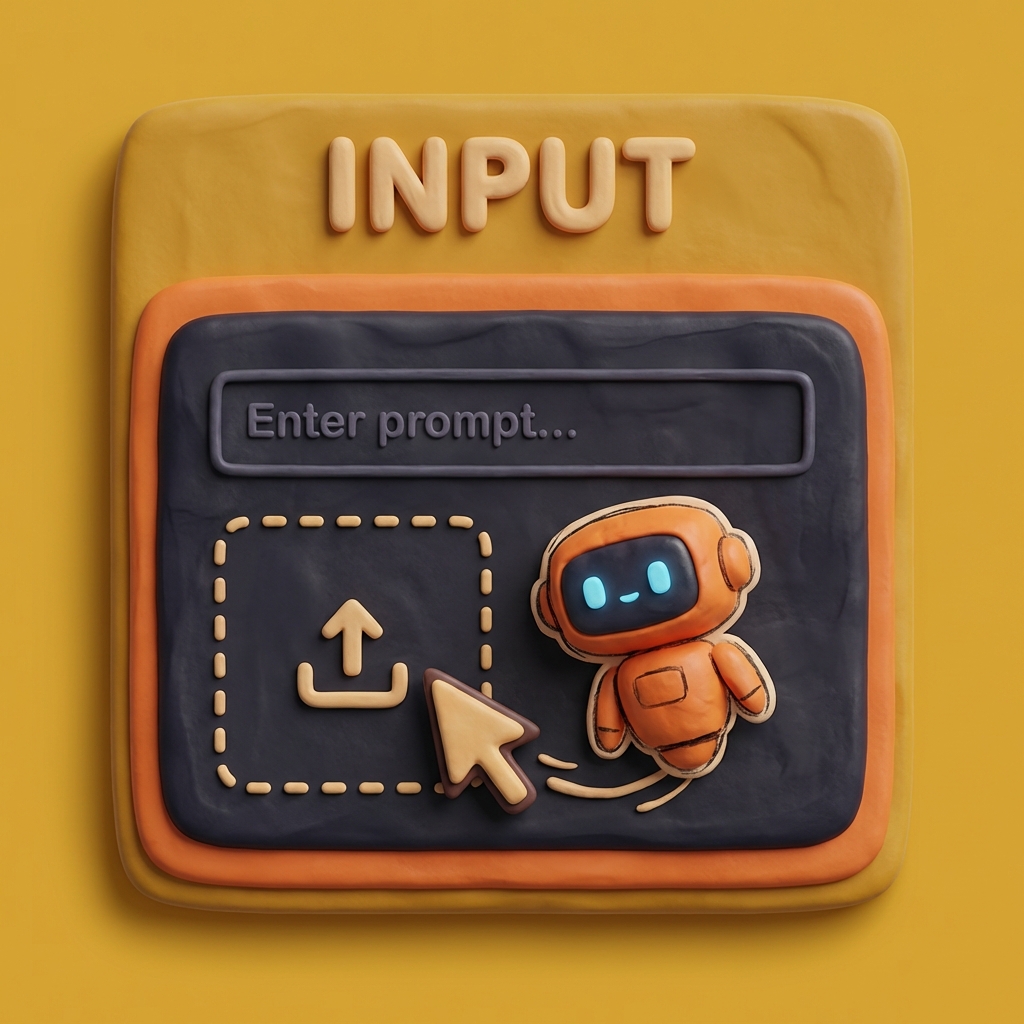
Upload a clean reference for Picture to 3D or Photo to 3D generation, or describe the object, style, and material if you want Prompt to 3D output. Trellis 2 works best when your input is specific enough to guide shape and surface direction, but it remains approachable for non-specialists. This 2D to 3D starting point is one of the most practical parts of the Trellis AI workflow.
Use Trellis 2 to move quickly from idea to visible form. This stage is about more than speed: compare silhouettes, inspect texture intent, and decide whether the Trellis AI result is ready for concept review, internal presentations, or deeper manual refinement. A strong Trellis 3D result inside Trellis 2 can save multiple rounds of downstream revision.
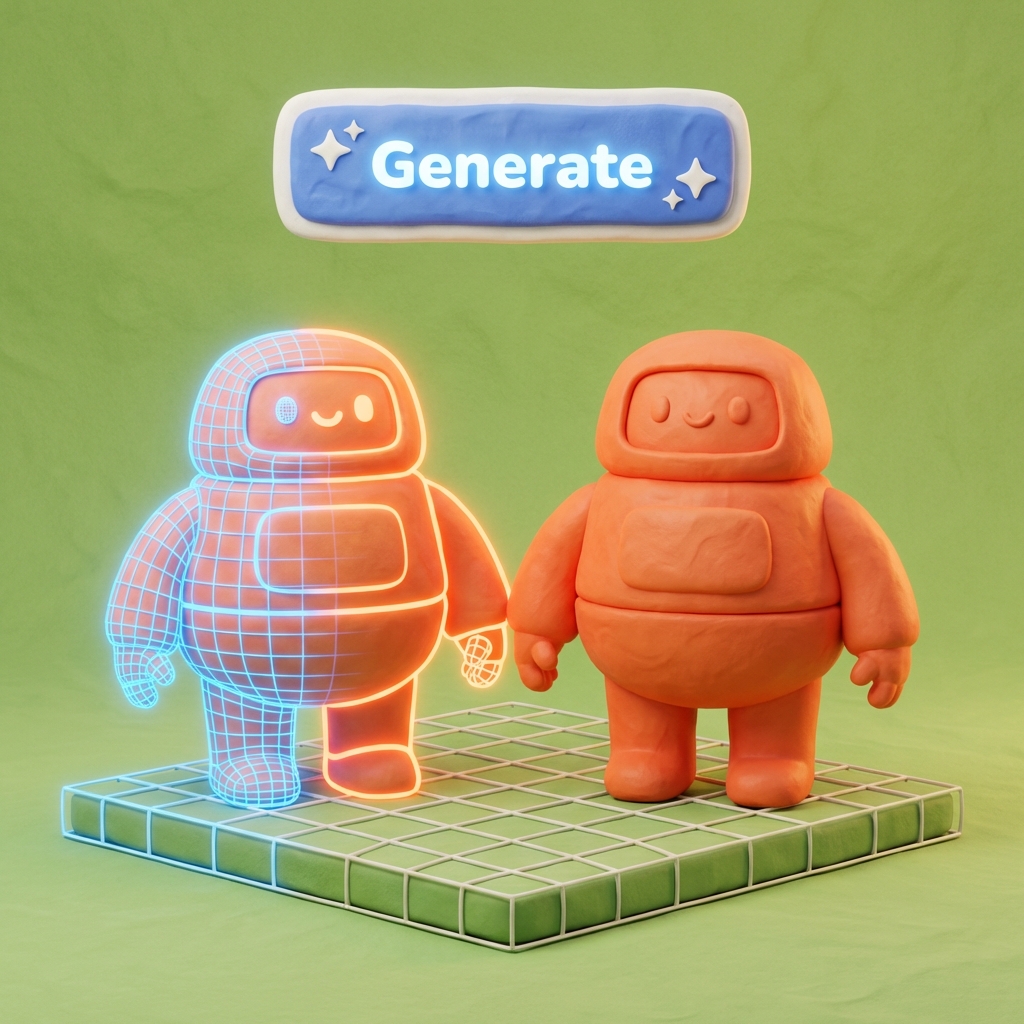
Once a result feels strong, Trellis 2 becomes a practical 3d model generator for real teams. Take the Trellis 3D asset from Trellis 2 into DCC tools, game engines, XR pipelines, or prototyping software, and use it as a faster starting point for production polish. This is where Trellis AI stops being just a generator and starts acting like a real 2D to 3D production accelerator.

From prototyping to content production, Trellis 2 helps different teams reduce modeling friction and evaluate Trellis 3D ideas sooner across the full Trellis 2 workflow.
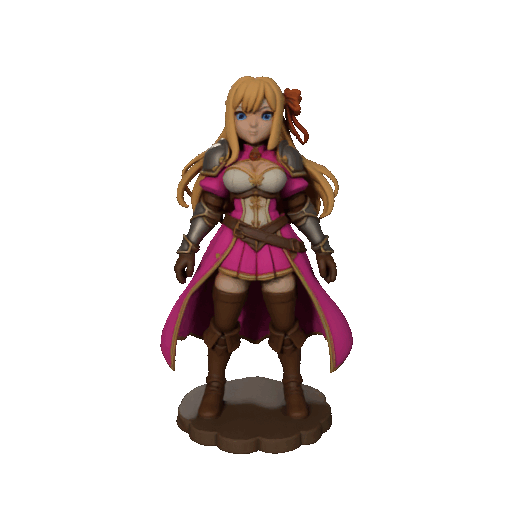
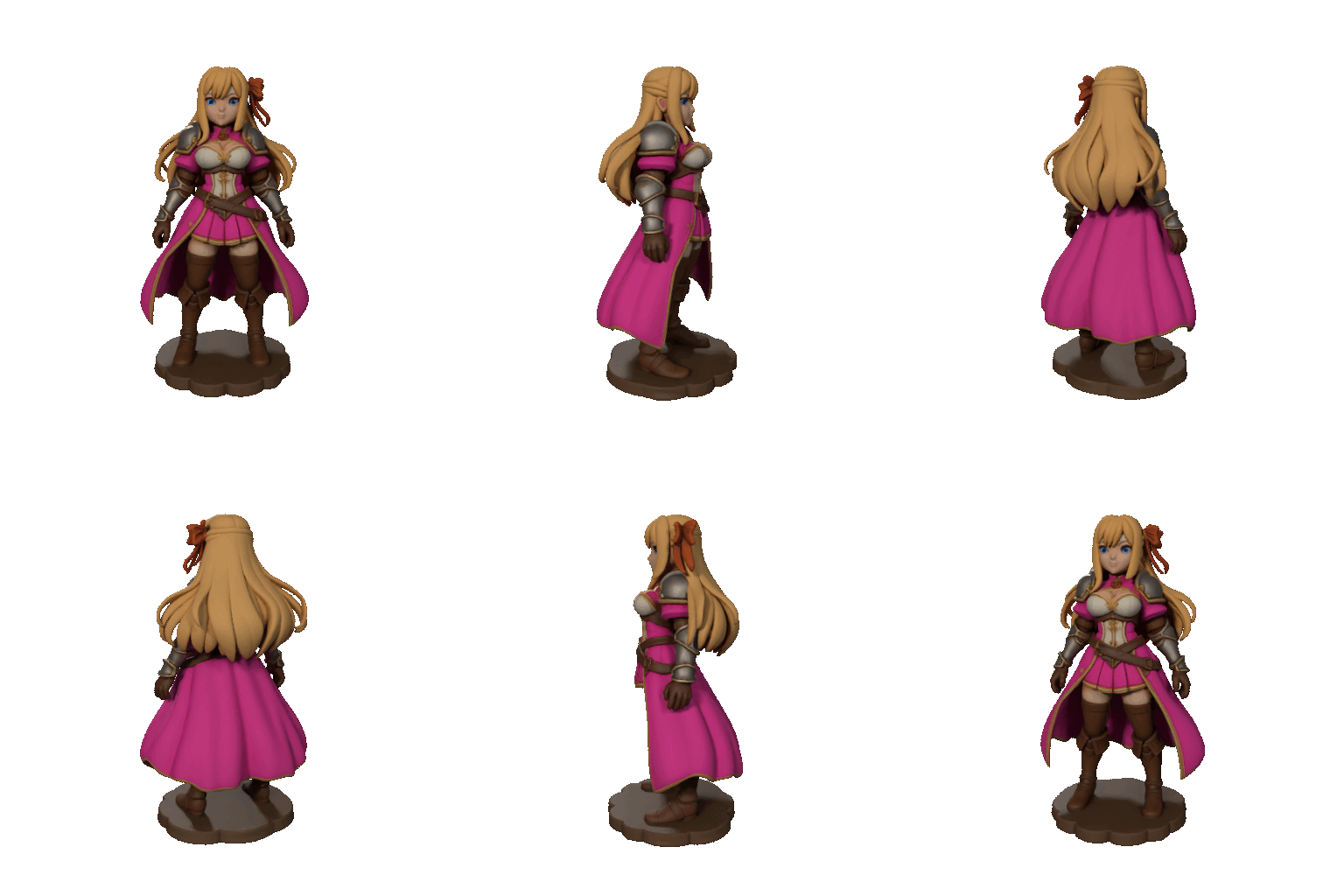
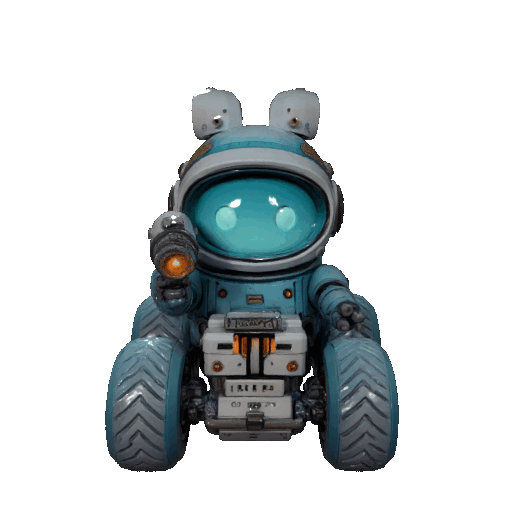
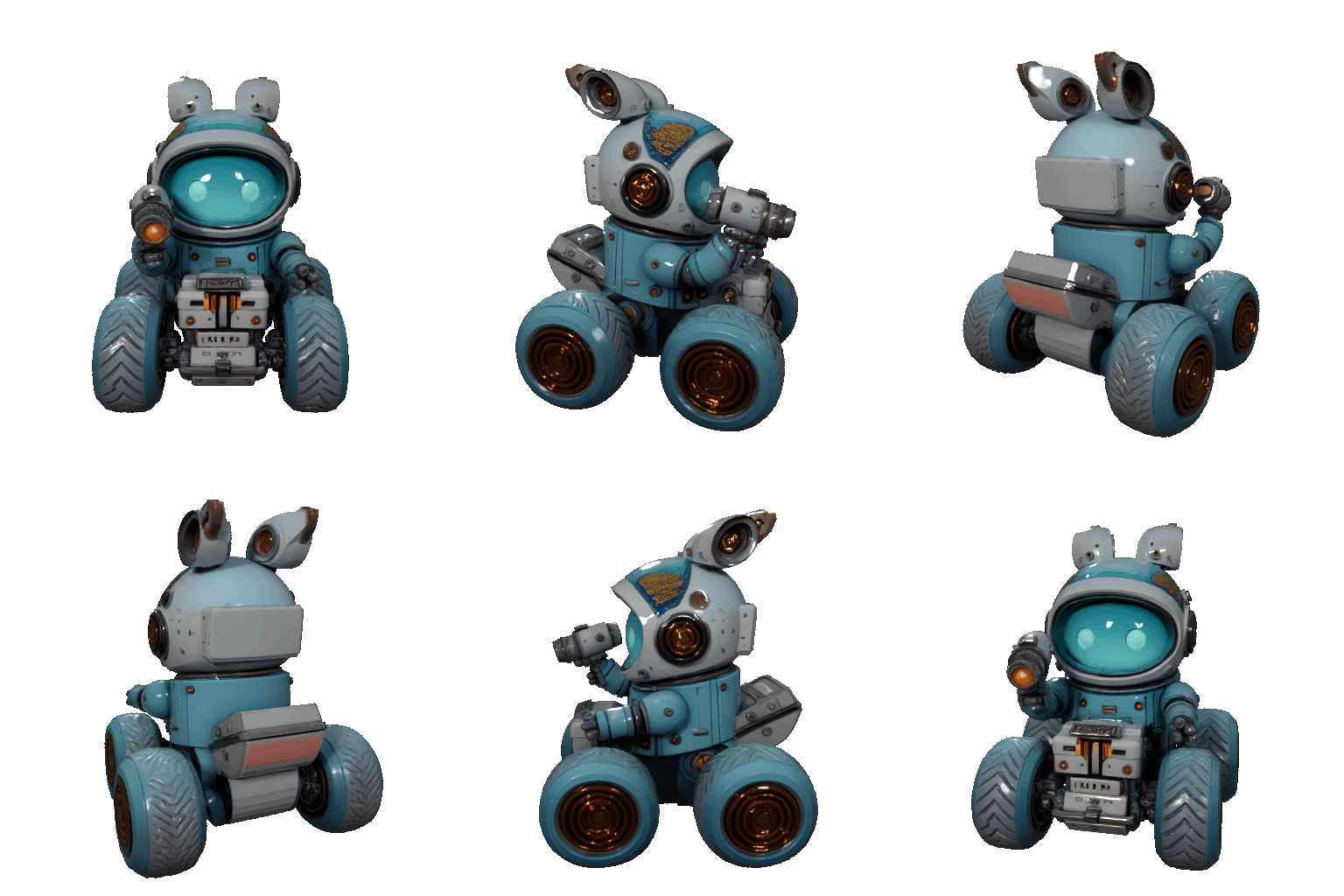
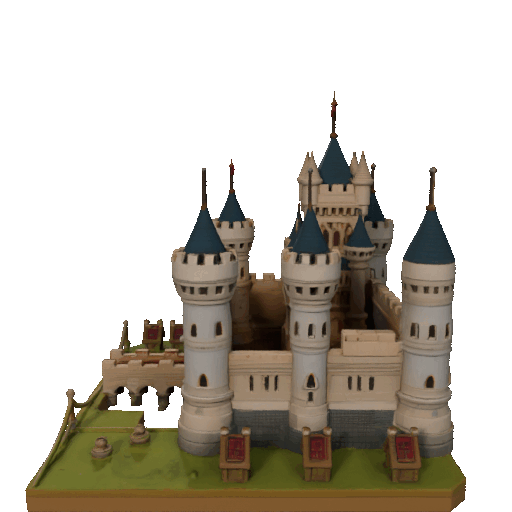
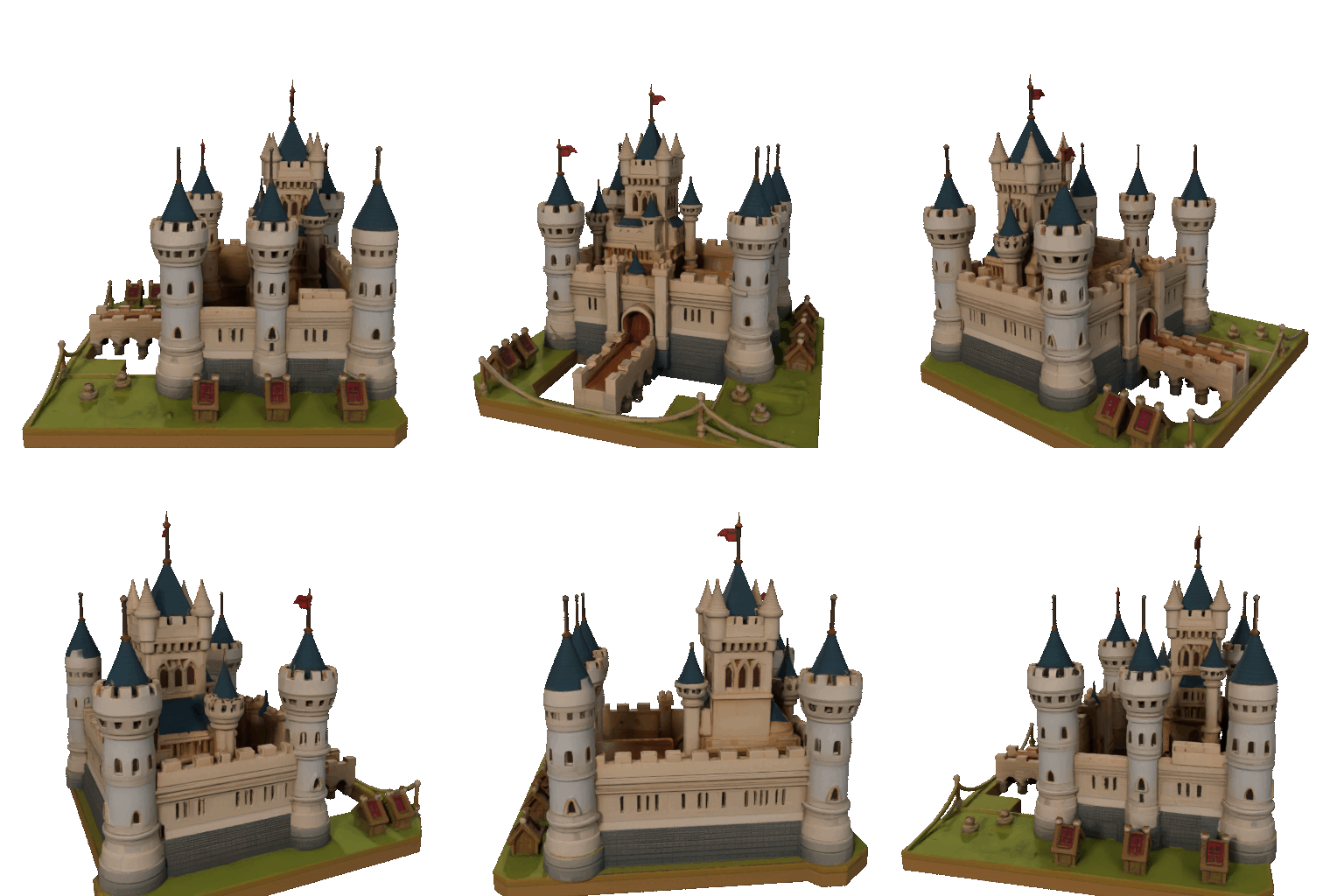
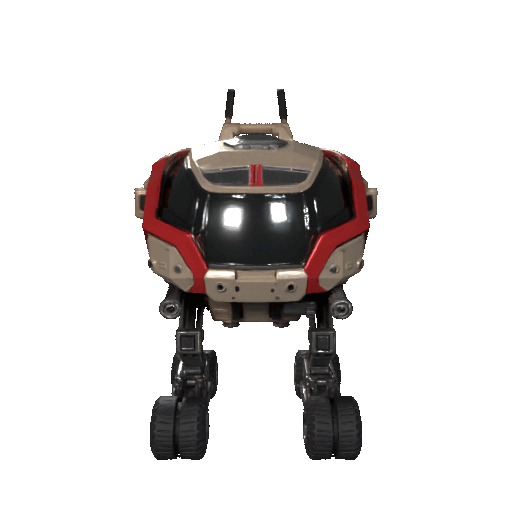
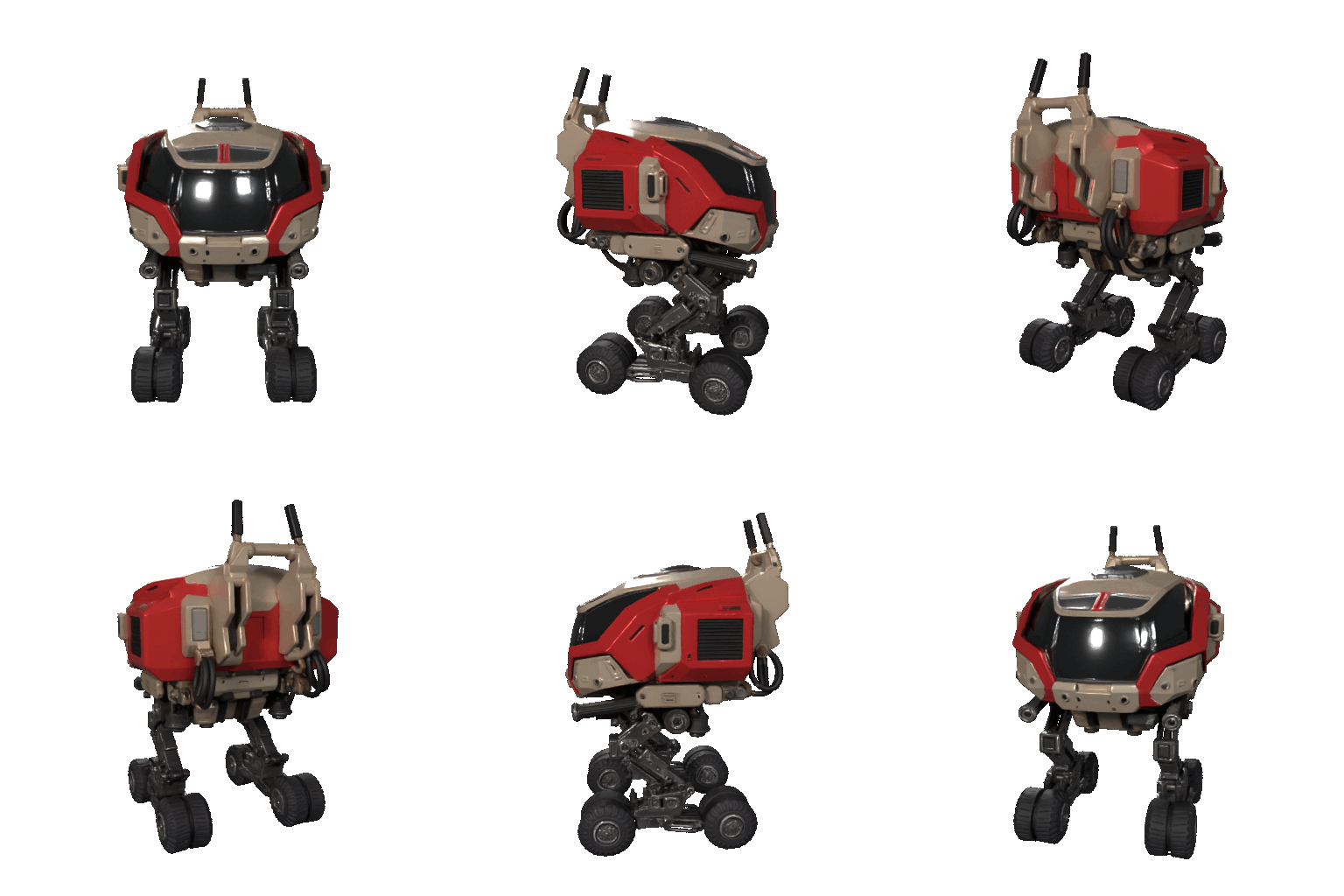
Use Trellis 2 to explore props, characters, and environment directions earlier, so game teams can review more ideas before manual production begins.
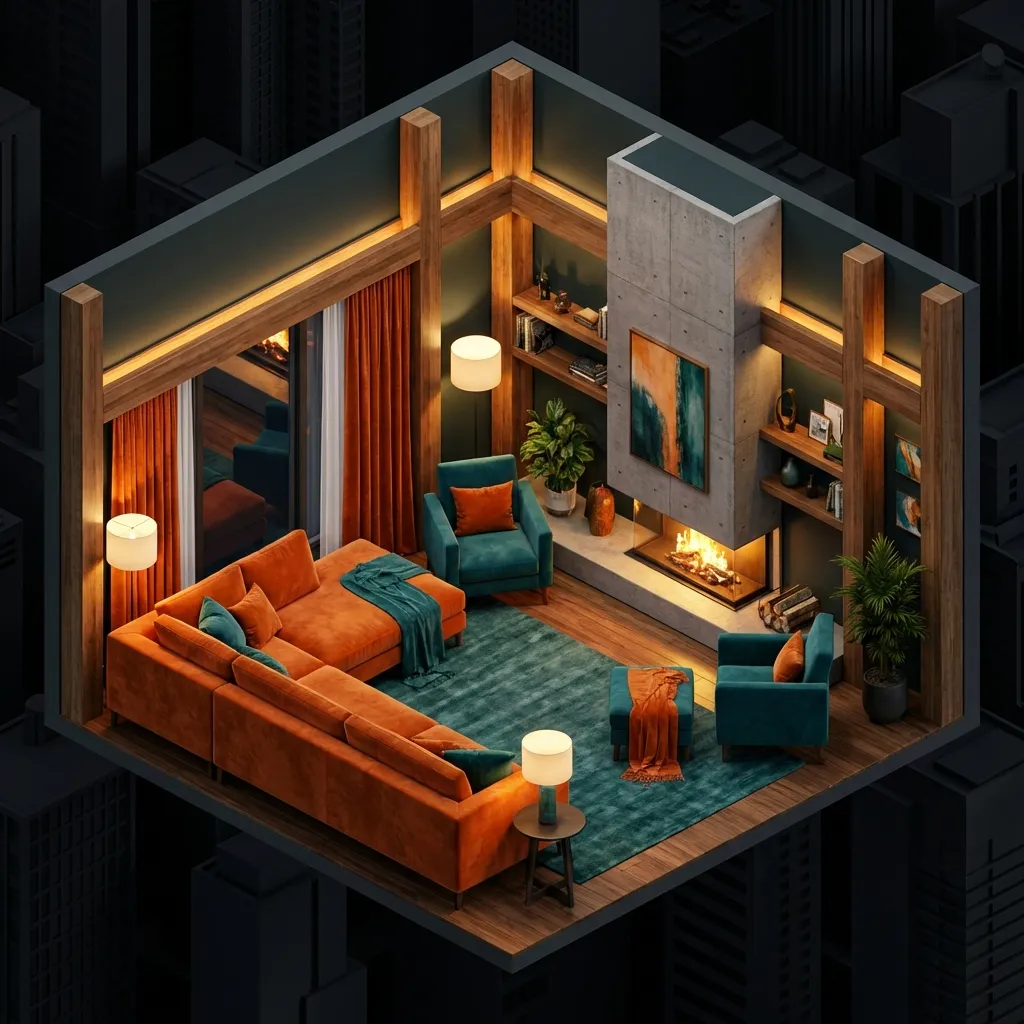
Turn references into dimensional concepts for layouts, furniture studies, and mood exploration without waiting on a full 3D build.

Support Picture to 3D and Photo to 3D product studies from sketches, reference photos, and concept boards, making form reviews easier to share with internal teams.
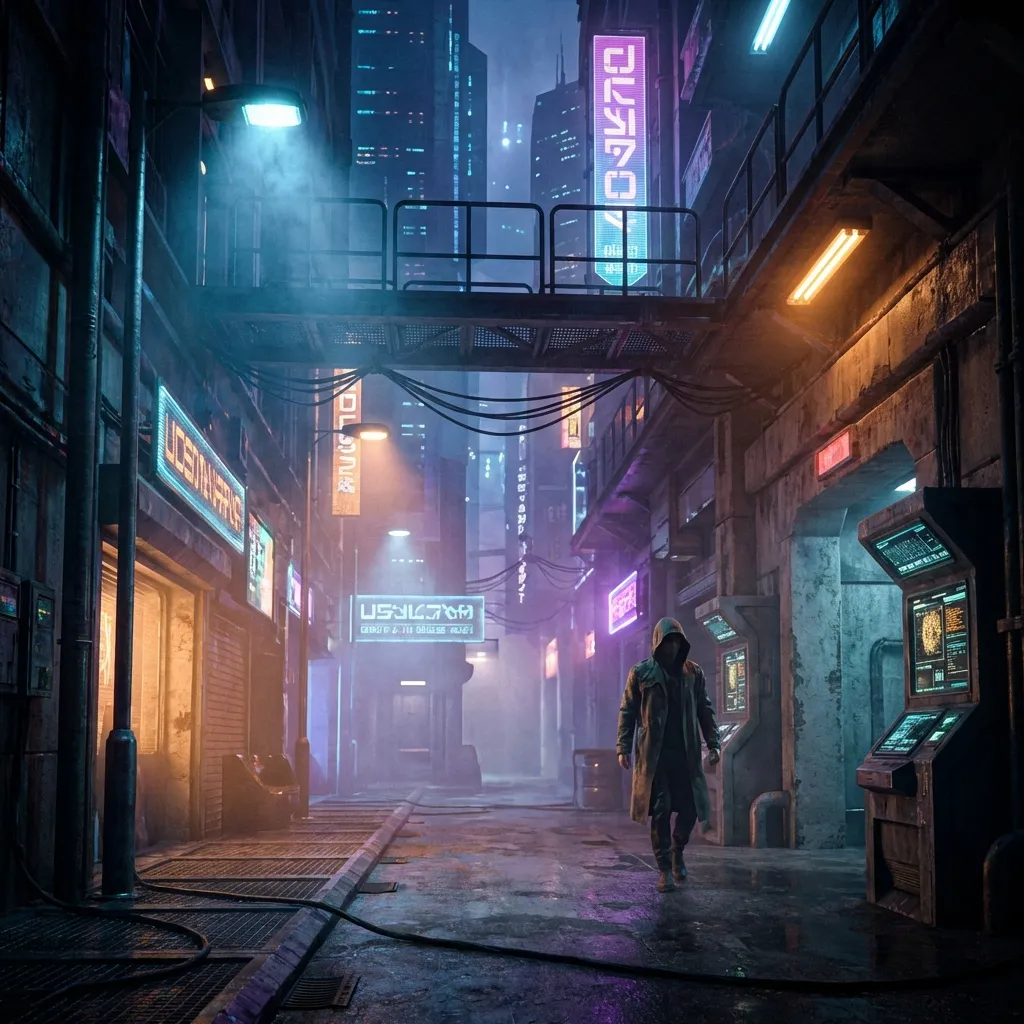
Use Trellis 2 as a faster Trellis AI starting point for look development, previs discussions, and creative alignment before detailed asset work.
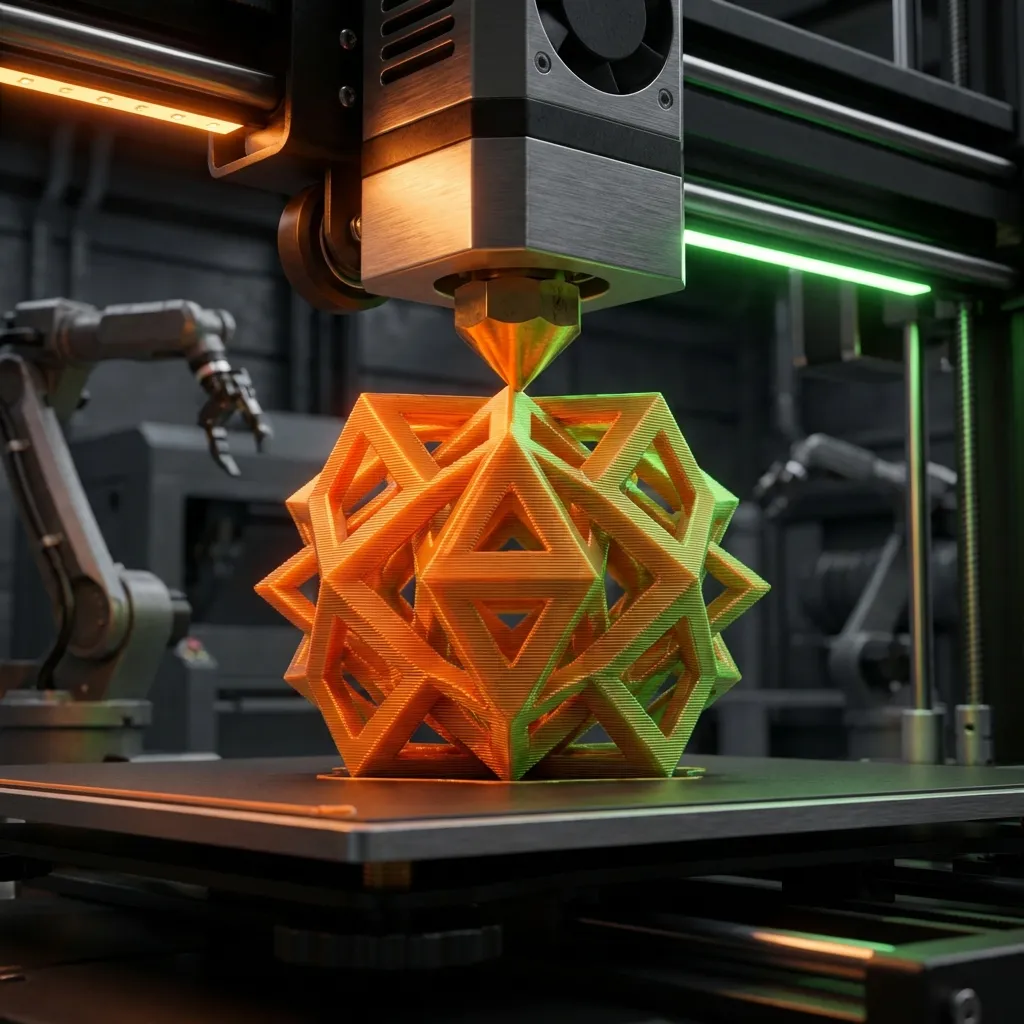
Move from 2D to 3D exploration faster when printable form, structure, and concept communication need to happen early.

Generate directional assets for immersive scenes and validate scale, style, and material cues before deeper optimization work.

Give learners and educators a more accessible path into 3D thinking, from prompt-based exploration to visual explanation and iteration.
Trellis 2 combines research-driven quality direction with a product workflow that helps creators and teams turn rough ideas into stronger 3D decisions. At its best, Trellis AI gives teams a repeatable way to move from 2D to 3D without losing momentum inside Trellis 2.
Trellis 2 gives users practical entry points such as Picture to 3D or Photo to 3D from a visual reference, plus Prompt to 3D from a written brief. That makes Trellis 3D generation feel more natural for modern teams that already think in screenshots, references, and quick written briefs. It also makes 2D to 3D exploration easier to repeat across several directions.
Inspired by the TRELLIS.2 direction, Trellis 2 aims for clearer forms, stronger asset readability, and more believable textured results than lightweight novelty tools. It is built for users who want useful models, not just flashy Trellis 3D demos.
Trellis 2 is not only for dedicated artists. Founders, product managers, marketers, and creative leads can all use the platform to communicate 3D intent earlier and move stronger ideas into production with less back-and-forth through a Trellis AI workflow. That makes Trellis 3D useful anywhere Trellis 2 teams need clearer 3D communication.
The value of Trellis 2 comes from iteration speed with context. Teams can compare Picture to 3D, Photo to 3D, and Prompt to 3D options, reject weak directions early, and spend manual modeling time only on the concepts that already proved worth developing.
Most projects begin as references, sketches, screenshots, or mood boards. Trellis 2 helps teams move from 2D to 3D in a more direct way so reviews happen with dimensional context instead of guesswork. For many teams, this 2D to 3D bridge is the main reason to adopt Trellis AI in the first place.
Trellis 2 lowers the barrier for people who need 3D output but do not want to spend months learning a full modeling stack before validating an idea. That makes Trellis AI useful for both specialists and fast-moving non-specialist teams.

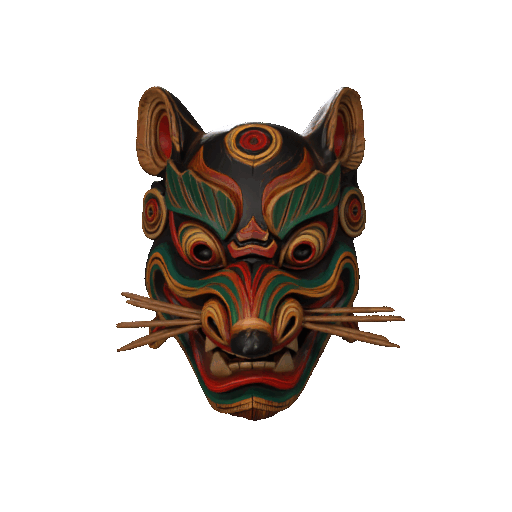
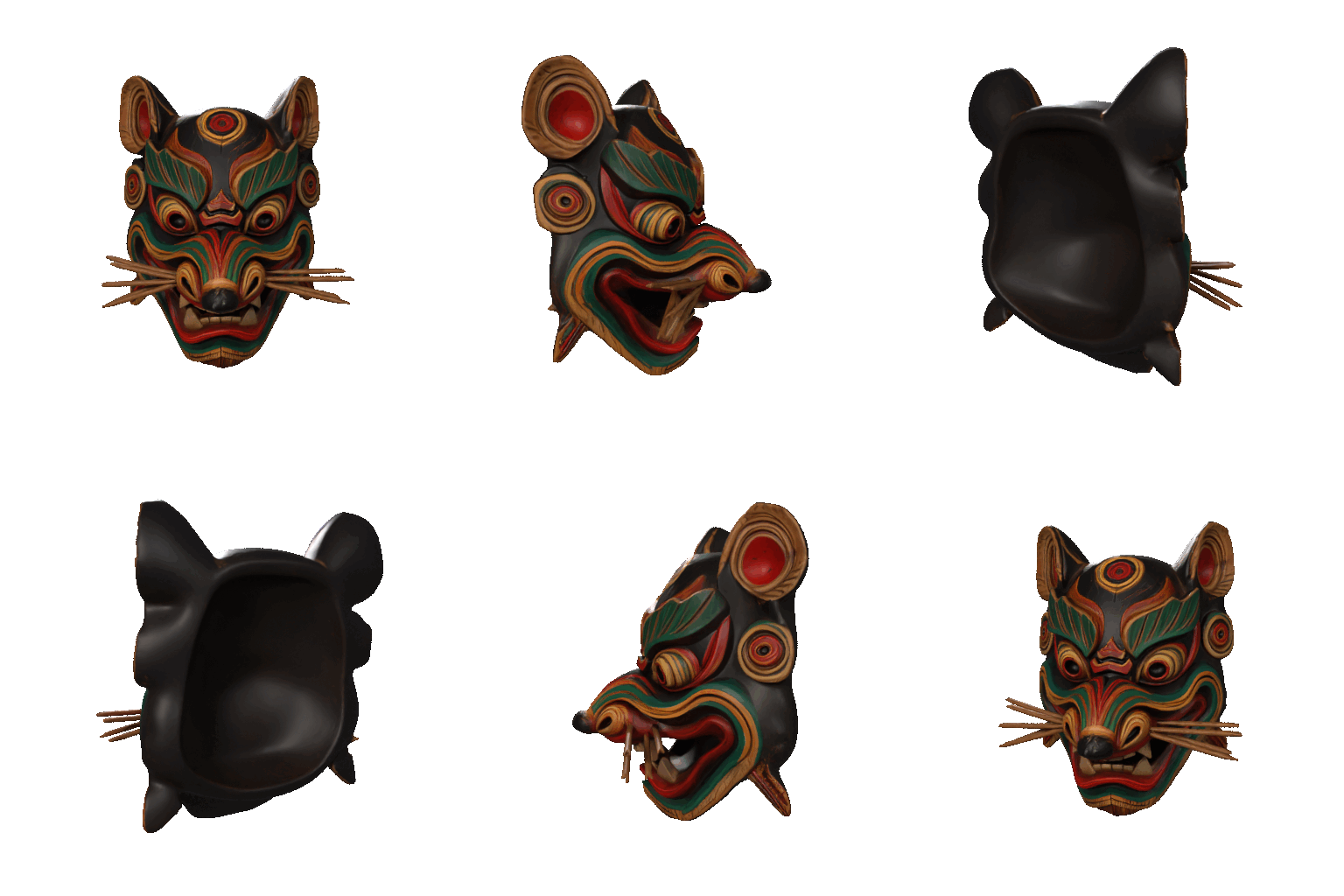
Tribal Totem

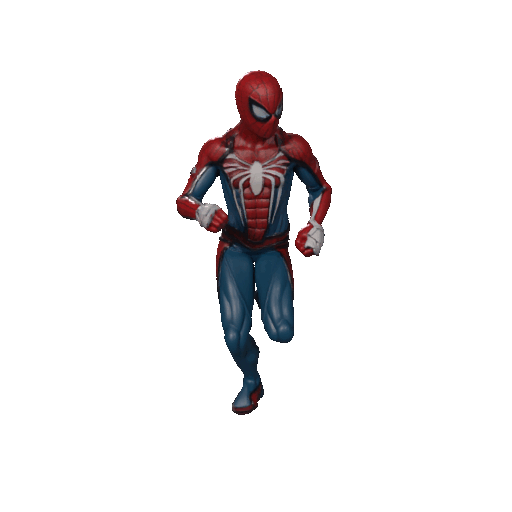
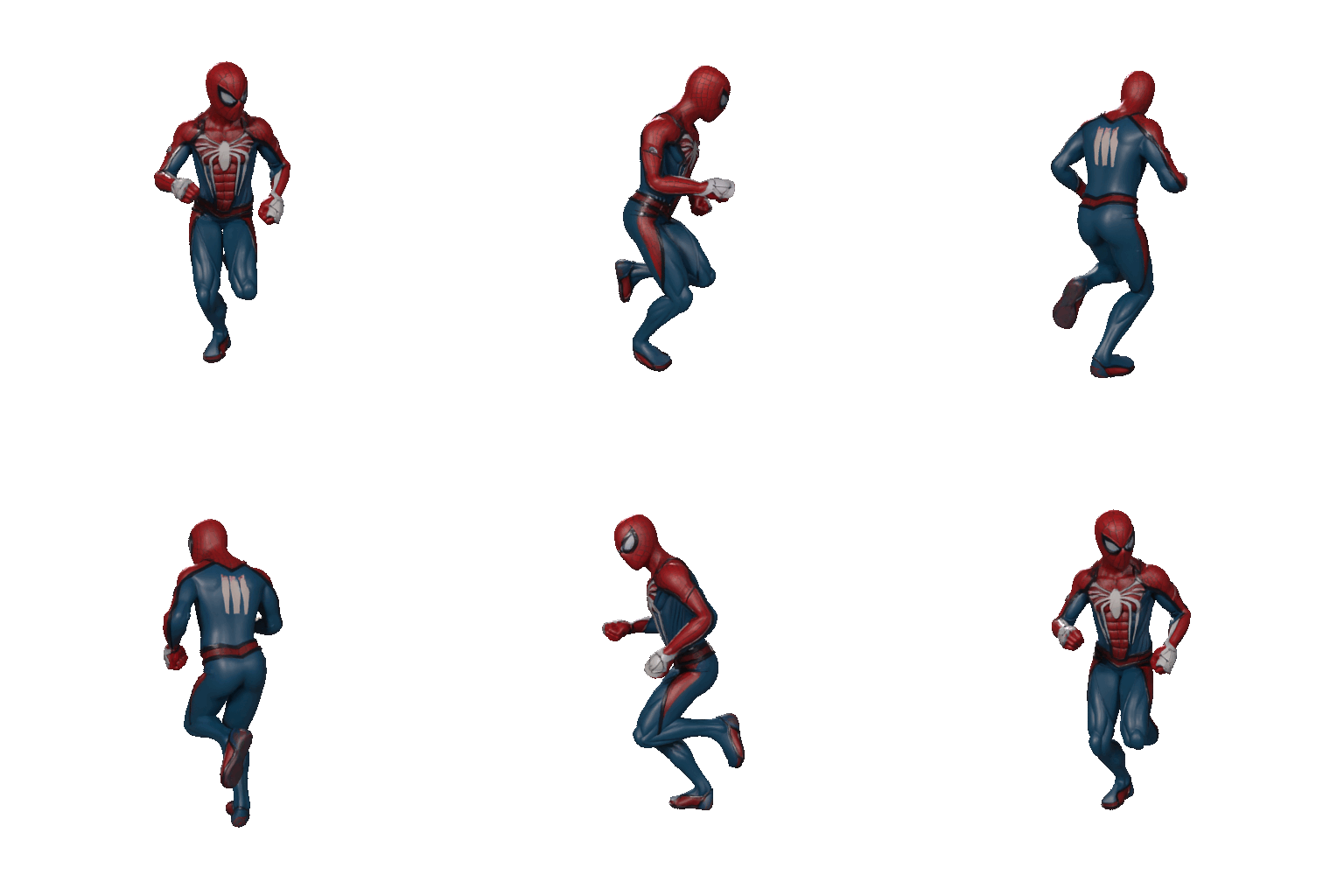
Spider Hero

Anime Warrior

Mecha Explorer

Future Racer

Portrait Bust

Forest Spirit

Isometric Room
See how teams describe the value of Trellis 2 across product design, XR, visualization, and Trellis 3D production planning.

Matthis Beute
Senior 3D Artist
Trellis 2 changed the speed of our environment reviews. Instead of waiting for manual first-pass meshes, we use the AI 3D model generator to explore options sooner and spend our time refining the directions that already look promising.

Derrick Nguyen
Indie XR Developer
The Photo to 3D flow in Trellis 2 is a real shortcut for XR prototypes. We can turn references into usable forms quickly, validate scale earlier, and keep our team moving without blocking on manual modeling at the wrong stage.

Evelise Nascimento
Product Designer
As a product designer, I use Trellis 2 to test form language before committing engineering time. The Prompt to 3D workflow is especially useful when I need to present several strong concept directions in a single afternoon.

Augustas Bøe
VFX Supervisor
Trellis 2 gave our look-dev team a much faster starting point. Instead of waiting on early geometry, we generate cleaner concept assets in hours and use the extra time on style, lighting, and shot-specific polish.

Olivia Pakkala
Architectural Visualization Lead
For architectural visualization, Trellis 2 helps us explore massing and material ideas much earlier. Clients respond better when we can show a dimensional concept in minutes instead of waiting for a longer modeling cycle.
Flexible pricing for AI 3D ideation, production-ready exports, and high-volume generation workflows.
🎉 Congrats! You've unlocked special pricing
$58.80 billed annually
Save $60.00/year
Essential features for personal use
Great for getting started with 3D generation
$119.70 billed annually
Save $119.70/year
Premium features for power users
Most popular choice for power users
$1199.40 billed annually
Save $1199.40/year
Maximum power for studios and high-volume users
Best for studios and high-volume creators
For any inquiries or assistance, please contact us: support@trellis-2.net
Learn how Trellis 2 approaches 2D to 3D, Picture to 3D, Photo to 3D, Prompt to 3D, and research-inspired Trellis AI generation for real creative workflows. The FAQ below focuses on how Trellis 3D value shows up in practical team use.
Trellis 2 is an AI 3D model generator built to turn prompts and images into usable Trellis 3D concepts for creators, studios, and product teams. Instead of forcing every idea through a traditional modeling workflow, Trellis 2 helps users reach a dimensional first draft faster. It is especially useful when teams need to explore multiple directions, communicate form early, or create textured assets for review and iteration. In simple terms, Trellis AI gives teams a clearer 2D to 3D path from idea to review.
Trellis 2 should be understood as a product experience inspired by the TRELLIS.2 research direction rather than a duplicate of the original research release. On this site, the goal is to translate that quality direction into a faster and more usable workflow for Photo to 3D, Prompt to 3D, and early asset exploration. This distinction helps users understand the capability framing without confusing the product with the original Microsoft project materials.
Yes. Trellis 2 supports Picture to 3D and Photo to 3D workflows for users who already have a reference image, product shot, sketch, render, or concept frame. This approach is valuable when visual guidance matters more than writing a prompt from scratch. For teams looking for a 3d model from image workflow, it provides a faster way to transform flat references into dimensional concepts that are easier to evaluate and discuss. It is also one of the strongest examples of Trellis AI solving a practical 2D to 3D task.
Yes. Trellis 2 is designed to help users turn written ideas into dimensional concepts through a Prompt to 3D workflow that favors speed, clarity, and iteration. It works best when prompts describe the object type, visual style, materials, and overall form. For creative teams, that makes it useful during ideation, concept reviews, and early-stage product or asset planning.
Trellis 2 is a strong fit for game artists, XR developers, product designers, visualization teams, creative technologists, and founders who need 3D communication without a heavy manual setup cost. It is also useful for non-specialist teams that need better 3D context for internal reviews. In that sense, Trellis 3D workflows support both experts and teams that are still building their 3D capability, especially when 2D to 3D speed matters.
Trellis 2 is positioned around stronger asset intent, better review value, and faster decision-making. Rather than acting like a novelty generator, it aims to help teams reach a clearer first draft with enough shape and material direction to support real conversations. That focus is what makes Trellis 2 more useful in modern workflows than a generic 3d ai demo with little downstream relevance and why many teams prefer a Trellis AI workflow. The result is a Trellis 3D process that fits actual production planning.
The biggest advantage of Trellis 2 is that it helps teams validate shape, style, and direction before they invest in detailed manual production. That matters for internal reviews, client presentations, prototype planning, and pre-production alignment. When a team can compare several dimensional concepts early, it spends less time debating abstract references and more time refining the options that already make sense. For many teams, that is the strongest proof that Trellis AI and Trellis 3D workflows inside Trellis 2 are worth adopting.
Explore Trellis 2 for 2D to 3D, Picture to 3D, Photo to 3D, and Prompt to 3D creation. Generate faster, compare more ideas, and move stronger Trellis 3D concepts into your workflow with a Trellis AI process built for real teams inside Trellis 2.